Is there a manual?
If you'd like to get to know your appliances even better you can also browse our manuals
How do I turn on the electricity in my room?
If nothing is working in the room it’s probably because the fuses are off – check the fuse box above the front door and make sure all switches are facing upwards, including the lonely switch on the end.
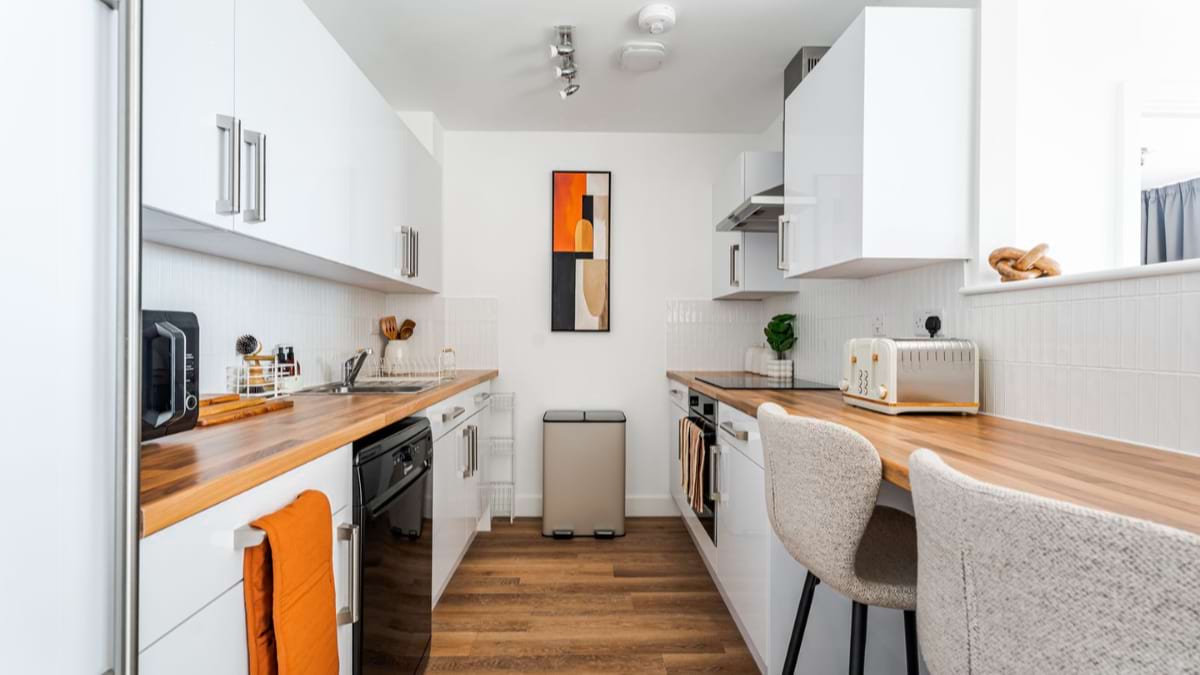
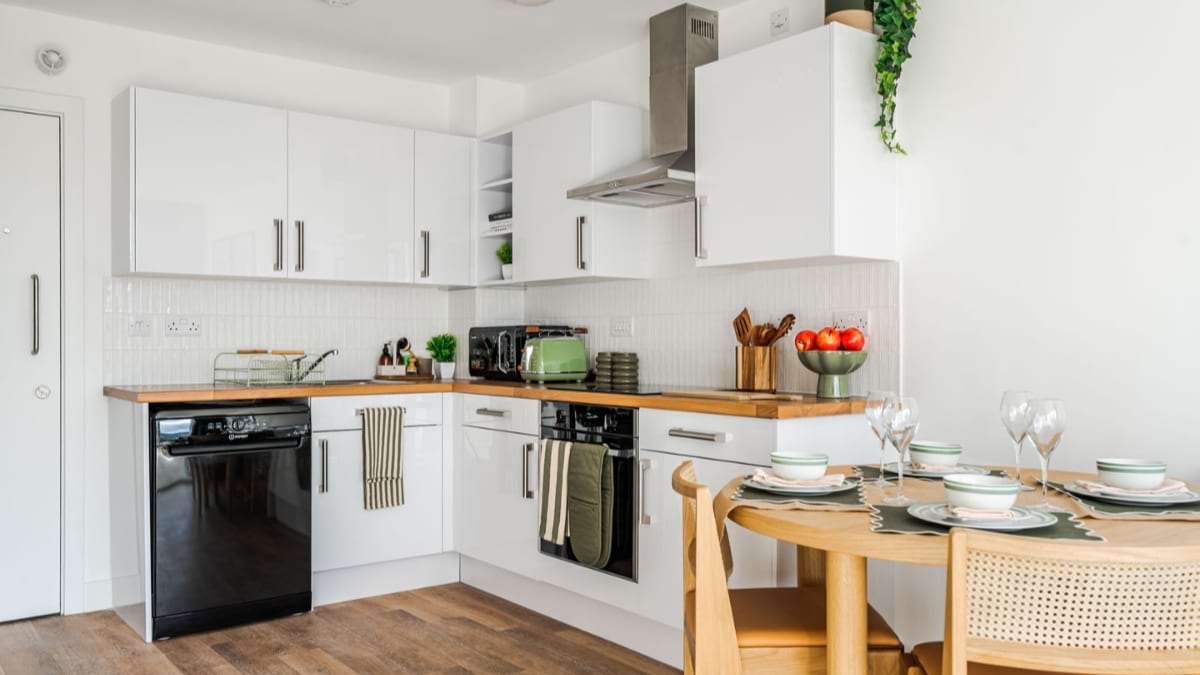
Once you have done this, try to turn the electricals on again. Also, the fridge, oven, extractor fan and hob have separate switches in the kitchen – make sure these are on too.
Why isn't my microwave working?
It sounds simple but check that your microwave is plugged into the wall, and the switch is on. The plug socket and switch can be found on the wall behind the microwave so it's easy to miss. You may need to stretch. If it is plugged in and the switch is on, double check the fuse box as above.
Why is there not enough hot water coming out of the taps?
Your apartment is fitted with a Megaflow hot water system. If you've used a lot of hot water in a short period, the tank may need a little time to reheat before hot water is available again.
How big is my sink?
The bathroom sink is 55cm, the kitchen sink is 33cm square, and the draining board 70cm.
How do I look after the washer and dryer?
- Clean the lint filter after every drying cycle by removing any lint/fluff that has collected.
- Don't overload the dryer, as this can reduce drying performance and put extra strain on the machine.
- Check pockets before drying to remove items like tissues, coins or keys, which can damage the appliance.
- Leave the door slightly open after use to help the drum air out and prevent unpleasant odours.
What happens if something breaks?
Under the tenancy agreement you will be liable for the following costs if you damage or lose the items within your room during your tenancy.
Check out the inventory charges here.
How do I reset my safe?
- With the door of the safe open, remove the cover (located on the inside of the door near the hinges) press the red button and the display will show 'SET CODE'
- Enter a 3 to 8 digit code that you wish to have a your new user code, then confirm by pressing the 'START' button.
- You will hear a beep and the screen will display 'IN' and the digits you entered. This is confirmation that your code has been successfully changed.